installing Archcraft
intallation of Archcraft
Introduction
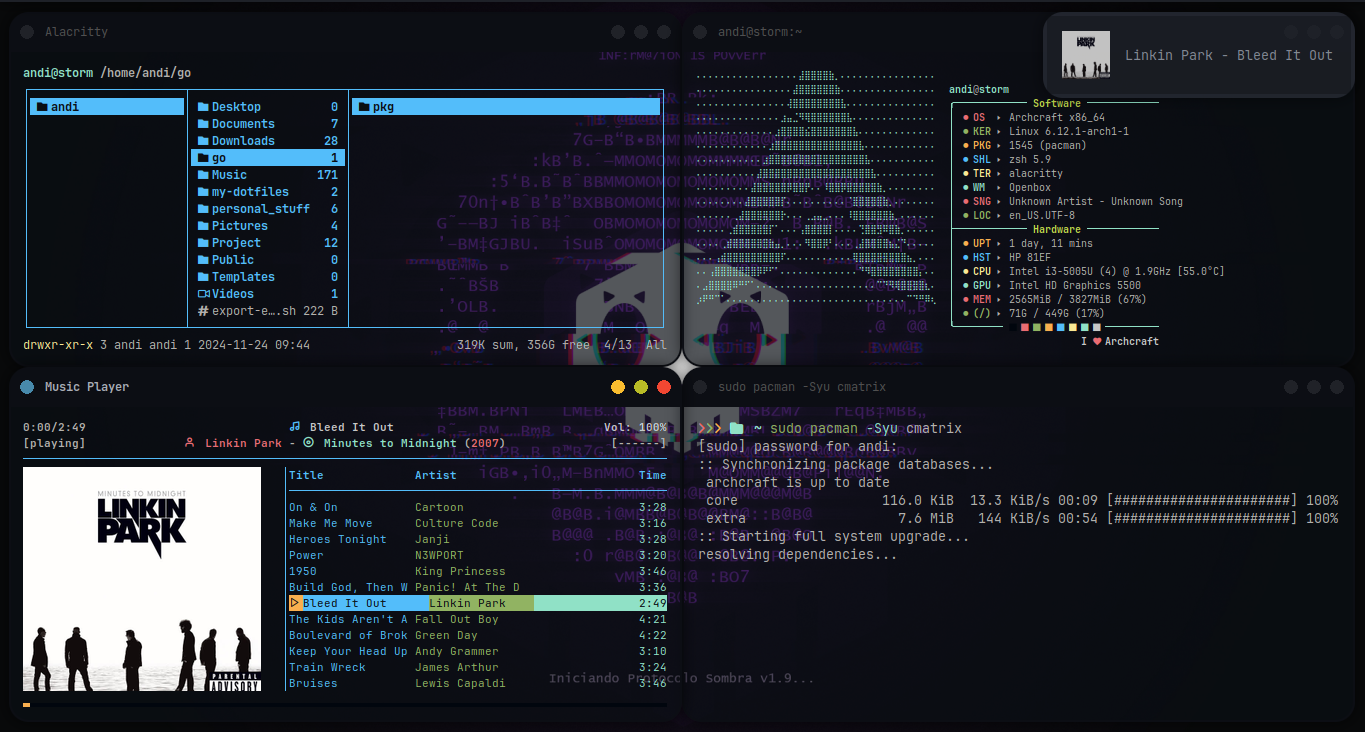
Archcraft is a lightweight Linux distribution built on Arch Linux that aims to provide a streamlined, user-friendly experience. It offers a rolling-release model and built-in support for the Arch User Repository (AUR). In this guide, we’ll walk through the process of installing Archcraft using both graphical and command-line methods.
Preparation
Before starting the installation, ensure you have:
- Created a bootable USB drive with the Archcraft ISO image
- Backed up any important data from your existing system
Installation with Calamares (Graphical Method)
- Boot your computer from the Archcraft USB drive
- Select “Boot Archcraft” from the boot menu
- Launch the installer via the welcome app or menu
- Choose your preferred language and click Next
- Set your region, time zone, system locale, keyboard layout, etc.
- For partitioning, choose “Manual Partitioning”
- Create the following partitions:
- /boot/efi (300MB FAT32)
- / (root)
- /home
- Format the partitions as needed
- Create a user account
- Review the installation summary and begin the installation
- Reboot your system
Installation with ABIF (Command Line Method)
- Boot into the Archcraft live environment
- Open a terminal and run
abif - Select “Prepare Installation” and configure virtual console and keyboard layout
- Choose “Partition Disk” and partition your drive as desired
- Set up LUKS encryption if using full disk encryption
- Configure Logical Volume Management (LVM) if desired
- Mount the prepared partitions
- Install base packages
- Run mkinitcpio and install bootloader
- Configure base system settings
- Review configuration files
- Complete installation and reboot
Post-Installation
After installation:
- Update the system:
sudo pacman -Syu - Install additional software as needed
- Configure your preferred window manager (pre-installed options include Openbox and bspwm)
Key Points to Consider
- Archcraft aims for minimalism and ease of use out-of-the-box
- It includes built-in support for AUR for easy software management
- The distribution focuses on lightweight applications and minimal resource usage
- Regular updates are recommended to keep the system secure and up-to-date
Summary
Archcraft offers an accessible Arch Linux experience through its streamlined approach to installation and configuration. Whether you choose the graphical Calamares installer or the command-line ABIF method, the process is designed to be straightforward for both beginners and experienced users. The distribution’s focus on simplicity and lightweight applications makes it an excellent choice for those seeking a hassle-free yet powerful Linux experience.
Key Differences Between Archcraft and Other Arch Linux Distributions
Pre-configured Window Manager
Archcraft comes with a pre-configured window manager (Openbox or bspwm) and desktop environment, whereas standard Arch Linux requires manual configuration of these components [0].
Built-in Themes
Archcraft includes a set of pre-installed themes and a polished look out of the box, providing a more visually appealing experience compared to vanilla Arch Linux [0].
Focus on Customization
While Archcraft provides a good starting point, it still allows for extensive customization through terminal commands and configuration files, catering to users who enjoy fine-tuning their system [0].
Single Developer Maintenance
Unlike many Arch-based distributions that have large communities, Archcraft is primarily maintained by a single developer, which can affect its development pace and feature set [0].
Rolling Release Model
Both Archcraft and standard Arch Linux follow a rolling release model, receiving continuous updates and improvements [2].
Package Management
Archcraft uses the same package management system (pacman) as Arch Linux, allowing seamless integration with the Arch User Repository (AUR) [2].
Minimal Base System
Similar to Arch Linux, Archcraft provides a minimal base system installation, allowing users to build upon it according to their needs [2].
Learning Opportunity
While Archcraft offers a more polished experience, it still serves as a learning opportunity for users to understand the underlying system and gain experience with Arch Linux principles [0].
Performance and Stability
Archcraft aims to address some common issues found in other distributions, such as performance problems with file selection screens and screen recording quality [0].
Summary
Archcraft combines the flexibility and power of Arch Linux with a more user-friendly, pre-configured experience, making it an attractive option for users who want to leverage Arch’s strengths with less initial setup time. Its unique blend of pre-configured elements and customization options sets it apart from other Arch-based distributions.